Cinematic video templatesrendered in your browser.
Match cuts, headlines, charts and 3D maps. Type, tweak and export an MP4 in a minute.
One clip, every feed
Export 16:9 for long videos, 9:16 for Shorts and Reels, and 1:1 for the feed.
Nvidia: what happens next
84K views · 2 hours ago
Your channel
24,818 subscribers
@yourchannel
Nvidia: what happens next
1,204 likes
maya.edits wow, where did you get this??
Fly in from space to any country.
A real 3D Earth built from NASA satellite imagery, with clouds, terrain and atmosphere. Pick a country and the camera dives in and traces its border. Switch to Earth at night to see the city lights.
Put any headline on paper. Two ways.
Type a headline and a line of story, pick the paper, and a yellow marker sweeps over the words that matter. Made for news explainers, commentary and Reels.
Charts that draw themselves, explainer style.
Paste a year-by-year table and get a Vox-style chart on paper: lines and bars that grow on screen, history notes that appear right on time, and a yellow marker on the number that matters.
Line
A line draws across the years, events pop in on dashed rules, and the peak gets the marker.
Bars
Bars grow one by one with their values. Shown here in the newsprint look with a serif title.
Compare
Up to three series draw together, each labeled at its tip so viewers never need a legend.
Big number counter
One big number rolls into place like a slot machine over a sparkline, then lands with the change since the start.
Features
Rendered, not stock
Every frame is drawn live on your GPU. Newspaper pages are typeset on crumpled, lit paper, charts draw themselves on paper stock, and the 3D Earth is ray-traced from NASA imagery with clouds, terrain and atmosphere.
Yours in a minute
Type your words, paste a table of numbers, or pick a country. The preview updates as you go, so there's nothing to keyframe and no After Effects.
Free and private
Export MP4, WebM or PNG with no watermark and no sign-up. Videos render in your browser, so nothing you make is uploaded.
Templates
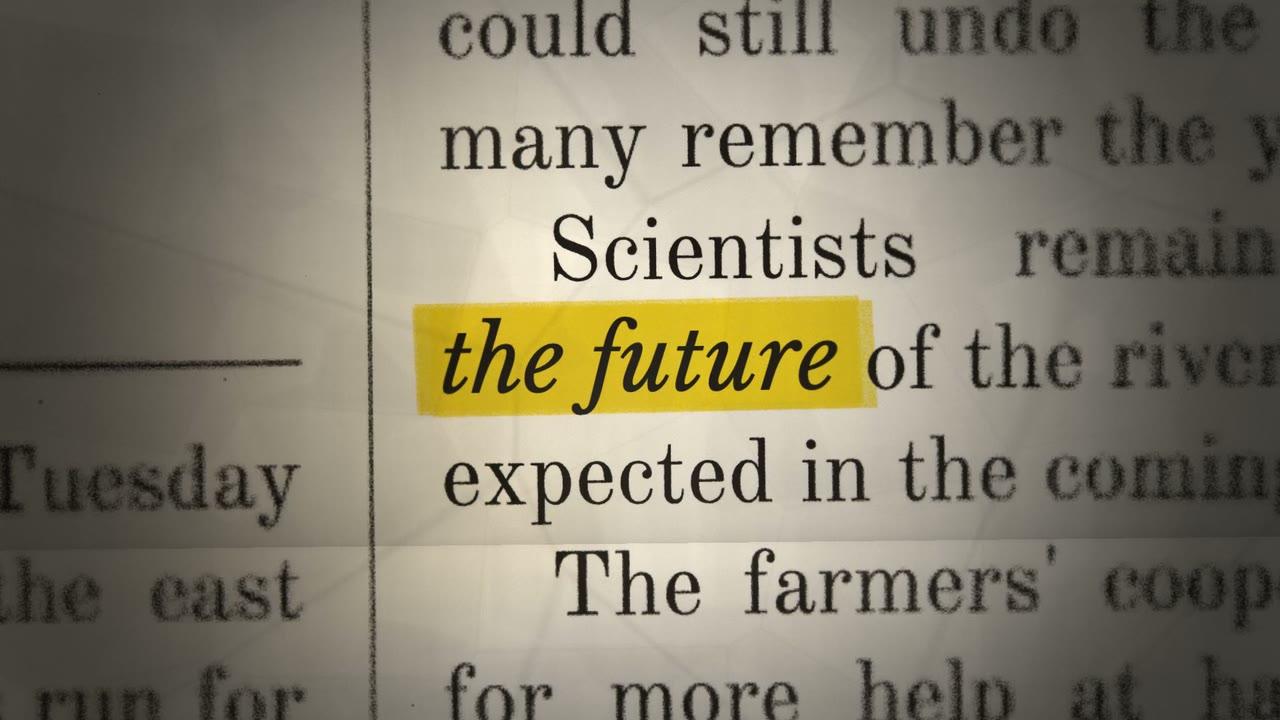
Text Match Cut
Your words stay locked while the newspaper around them changes every frame
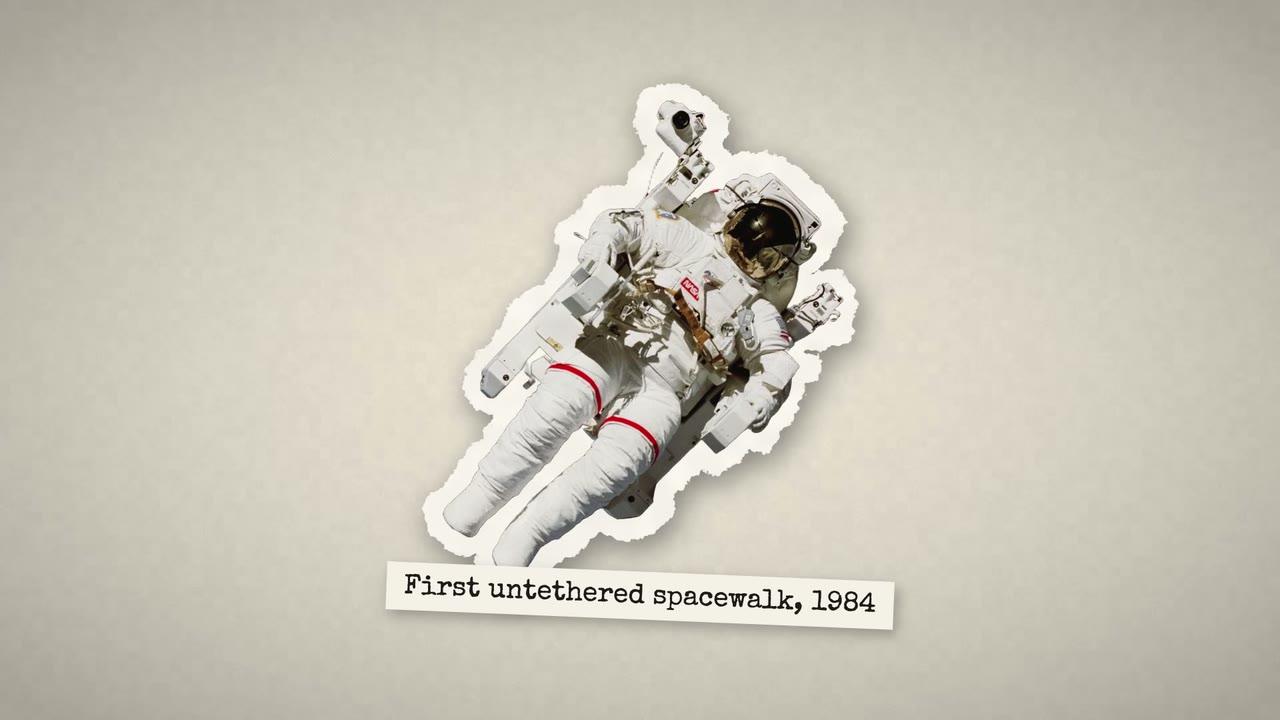
Paper Cut-Out Photo
Any photo becomes a paper cut-out that unfolds onto the screen
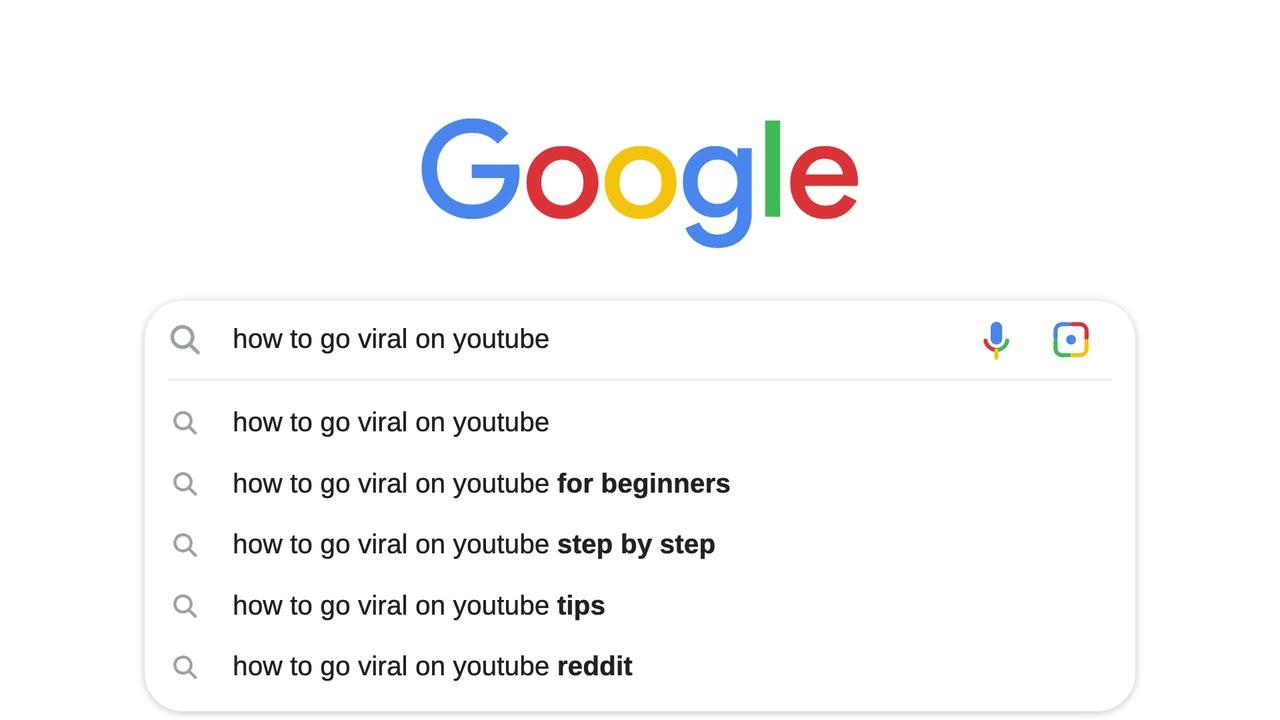
Google Search Animation
Type a Google search, watch the suggestions, cut to the results
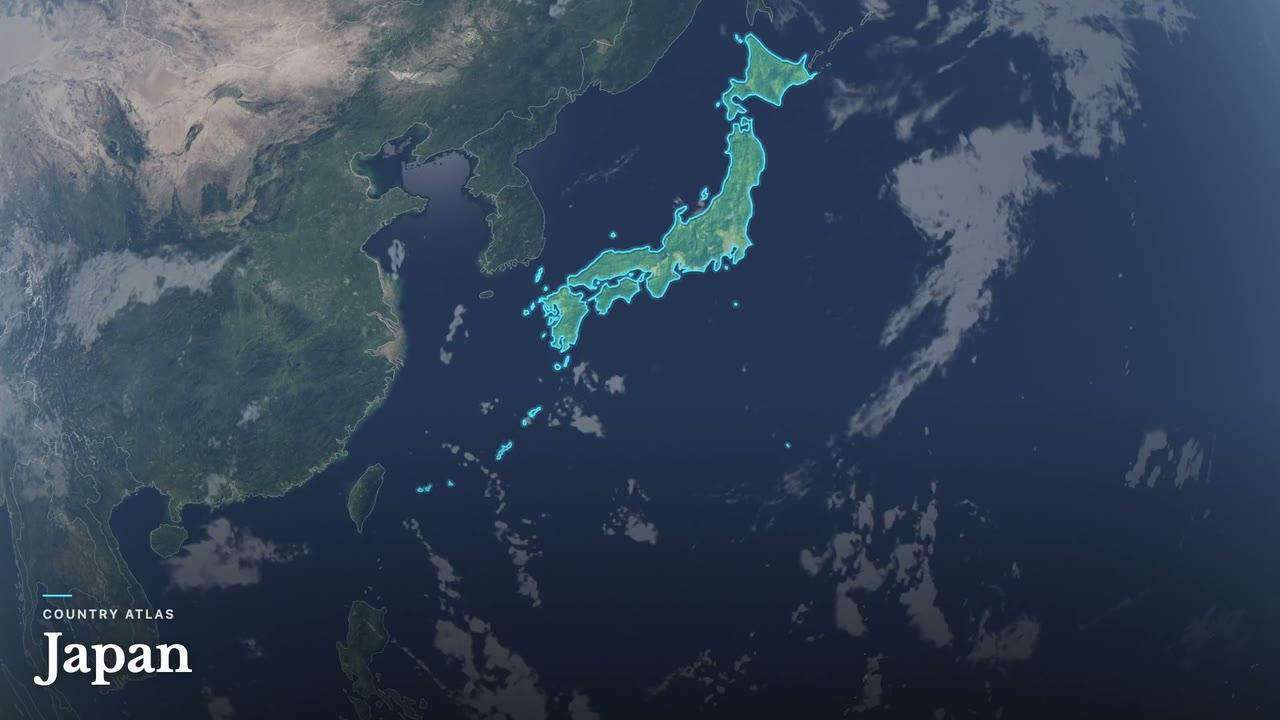
Country Map Animation
Fly in from space to any country
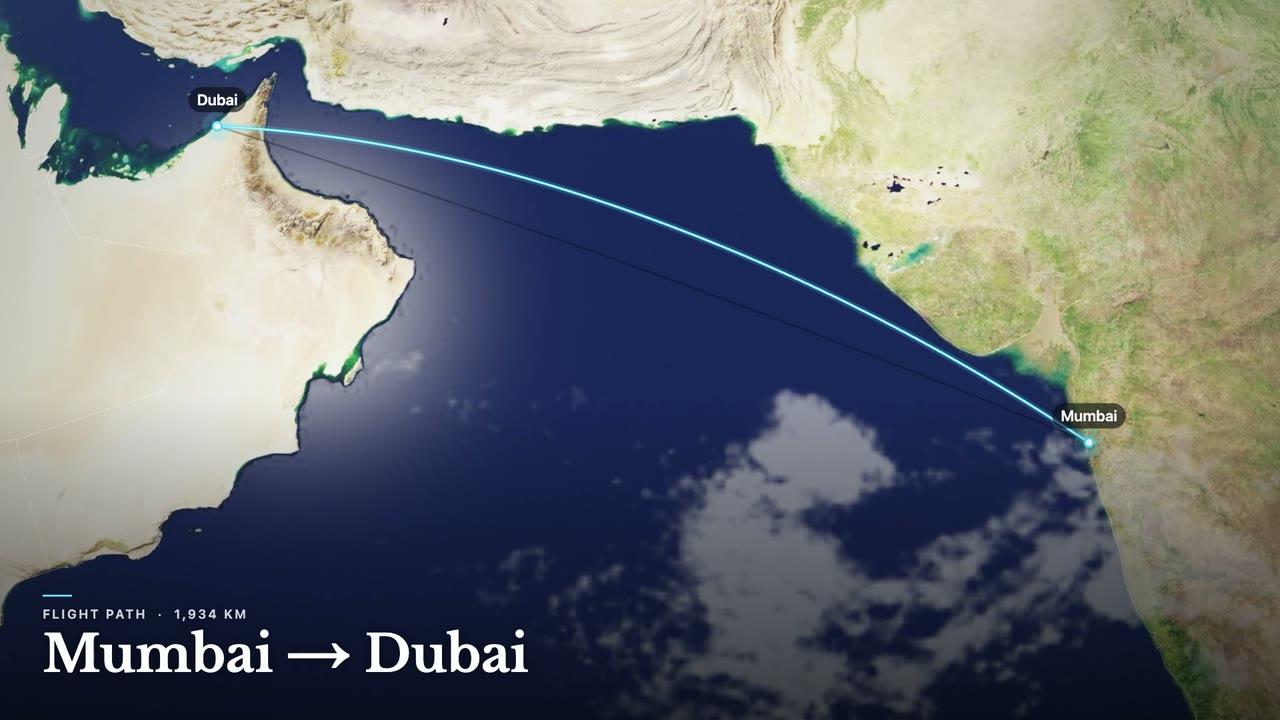
Flight Path Animation
Fly a plane between any two cities
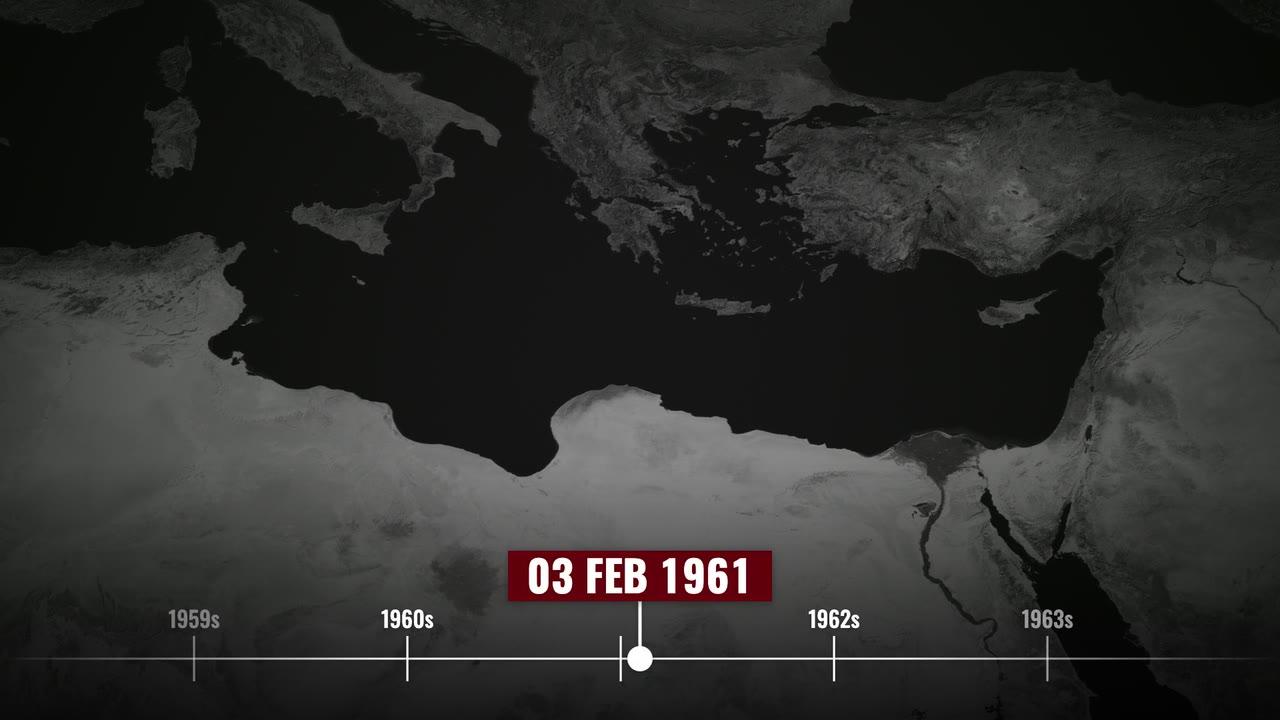
Documentary Timeline
A scrolling date timeline with a playhead tag that counts to your date
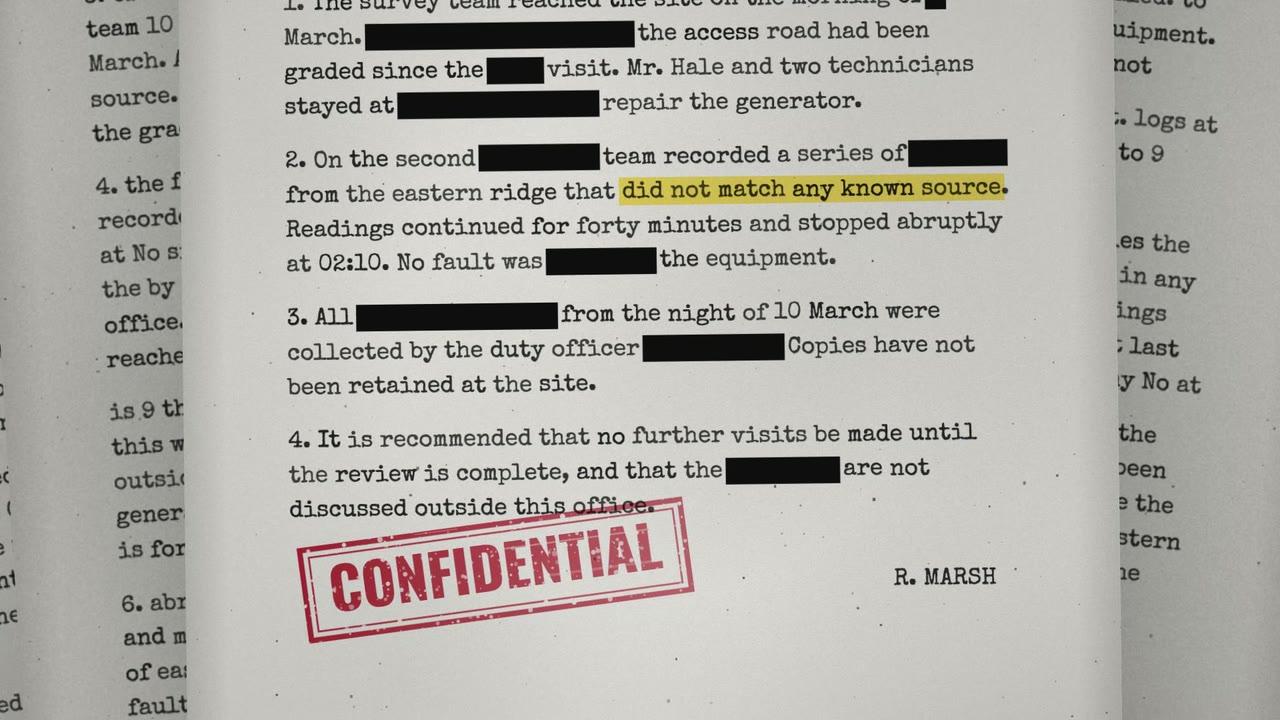
Confidential Document Reveal
A stamped file slides out of a manila envelope and the lines that matter get highlighted
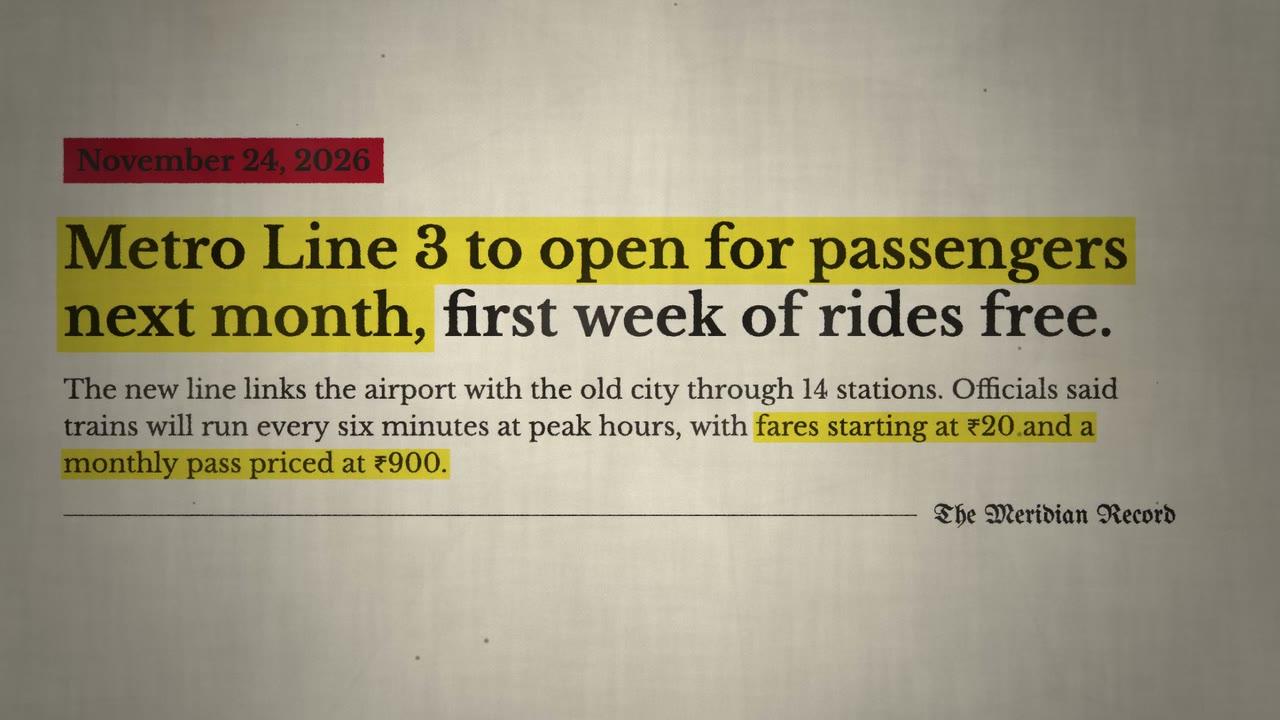
Newspaper Headline
A news headline fades in on old paper and gets highlighted
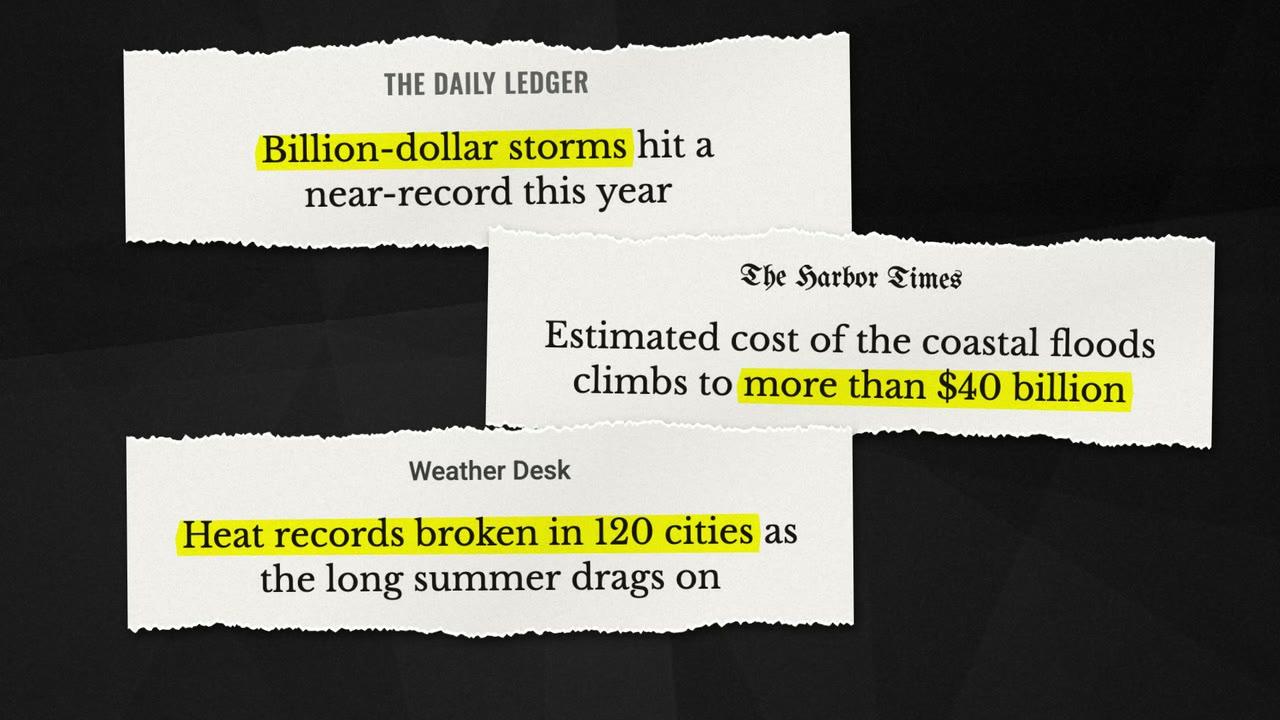
News Clippings Collage
Torn headline clippings land one by one on crumpled paper, key words highlighted
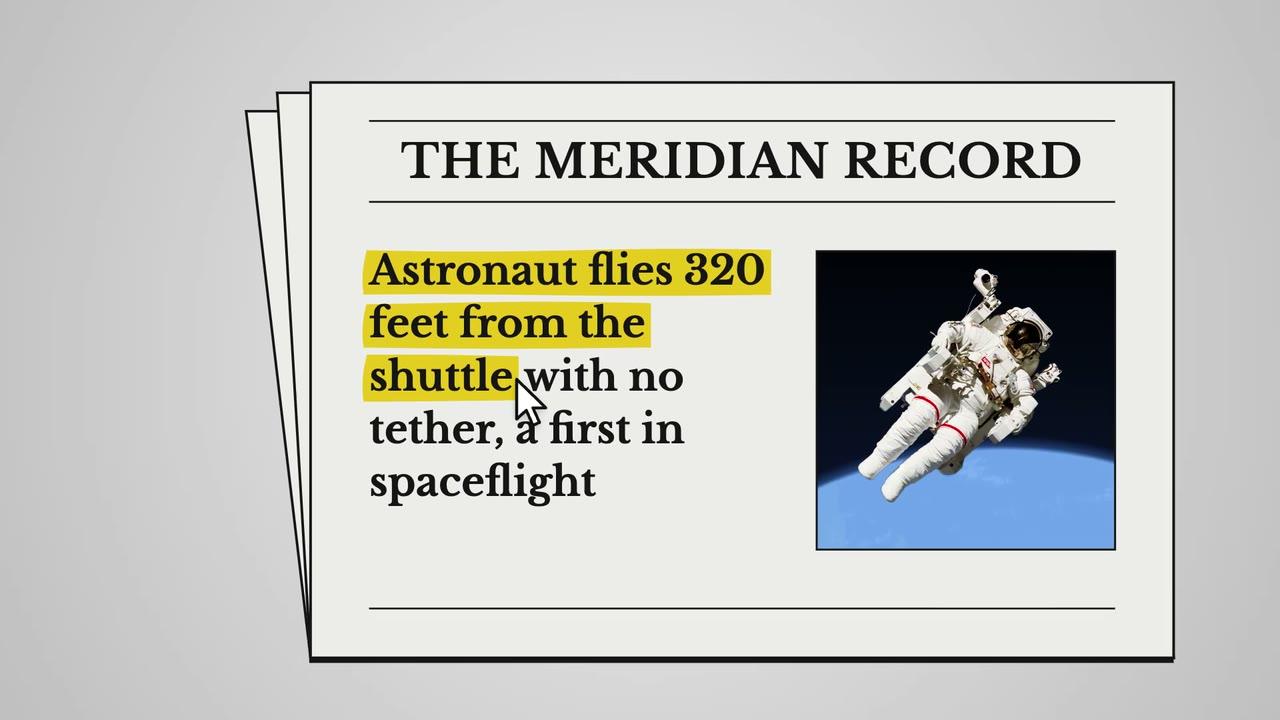
News Article Highlight
A newspaper story on a paper stack, with a cursor highlighting the key words
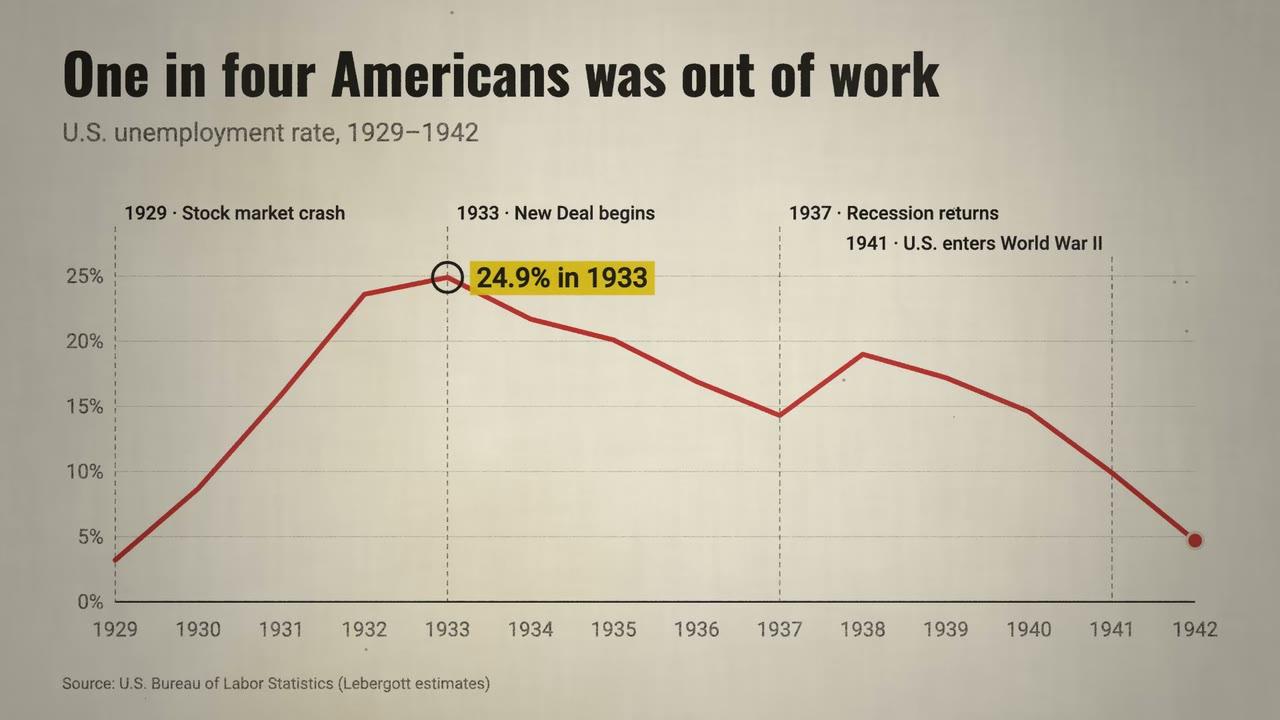
Animated Charts
21 chart types, from line charts and bar chart races to pies and treemaps
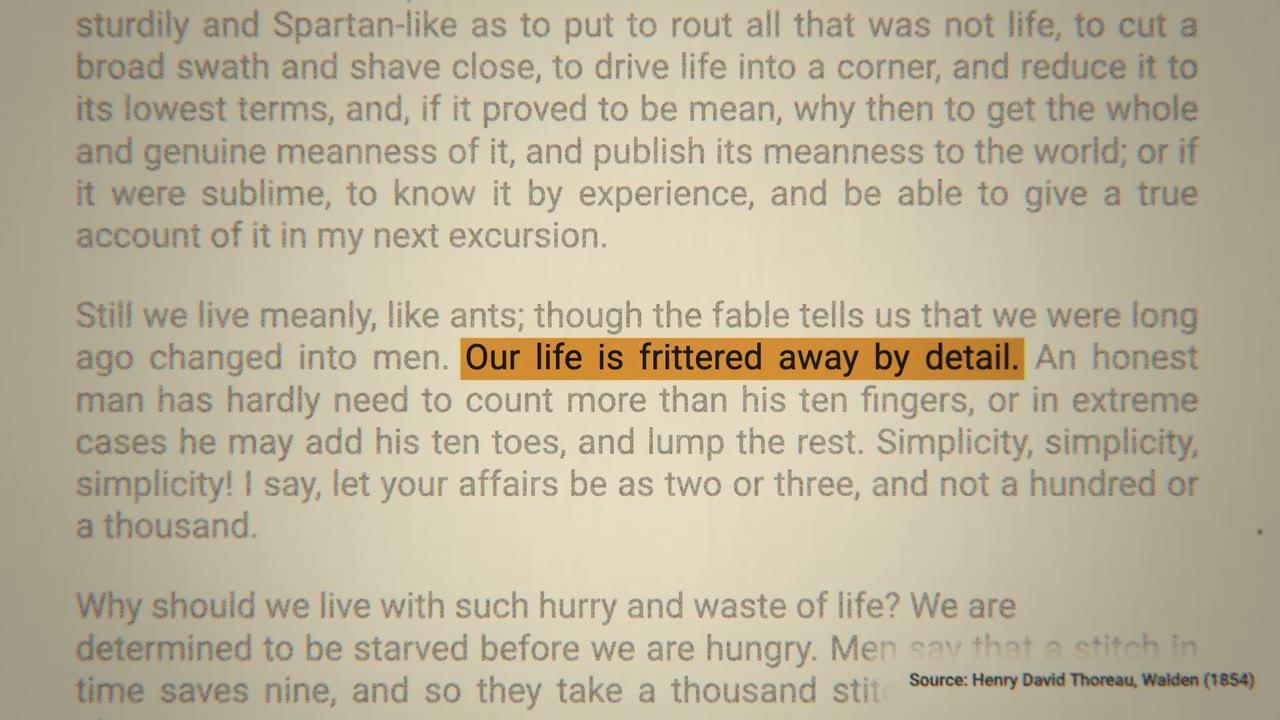
Document Highlight
A page of text where the quote you read lights up and gets highlighted
Don't see the effect you need? Request a template, or email hi@faisalhusa.in.
Free tool · 512 × 512 WebP · ZIP
WhatsApp Sticker Maker
Turn photos into stickers with a white, torn paper, glossy or glitter border, then download them one by one or as a pack. The cut-out runs on your device.
Make stickers
How it works
Formats
- 16:9 · YouTube
- Wide 1920×1080 for YouTube, documentaries and presentations.
- 9:16 · Shorts, Reels, TikTok
- Vertical 1080×1920, framed for a phone screen.
- MP4 or WebM
- H.264 MP4 plays everywhere. WebM is smaller. Both at 30 fps.
Guides
All guidesWhat is a text match cut?
A text match cut keeps one word or phrase perfectly still while the pages around it change. Learn what it is, why it works, when to use it and the fastest way to make one.
How to make a text match cut for CapCut
Make a newspaper text match cut in your browser, then drop it into CapCut on desktop or mobile. Step by step, with tips for sound, timing and vertical Reels.
How to make a text match cut for Premiere Pro
Skip aligning pages by hand. Generate a newspaper text match cut in your browser, then import it into Premiere Pro with the right sequence settings, sound and timing.
How to make an animated chart like Vox
Make a Vox-style animated line or bar chart without After Effects: paste your data, add history notes, highlight the key number and export an MP4 for YouTube or Reels.
How to make a news headline animation
Make an animated news headline with a highlighted phrase on paper, in English or Hindi, then use it in CapCut or Premiere Pro. Free, in your browser, step by step.
How to make the paper cut-out effect
Turn any photo into an animated paper cut-out with a white or torn border, shadow and stop-motion wobble. Free in your browser, with automatic background removal and green screen export.
Paper cut-out effect in CapCut
Add an animated paper cut-out of any photo to your CapCut edit: make the cut-out free in your browser, then key it in with Chroma Key. Step by step for CapCut desktop and mobile.
A free Paper Animator alternative
Looking for a free alternative to Paper Animator? Make paper cut-out, unfold and text match cut animations in your browser with no credits, no watermark and 1080p export.
How to make a glitter sticker effect for video
Make an animated glitter sticker from any photo: background removed, a holographic glitter border that sparkles as the light moves, and a glossy shine. Free, in your browser, with transparent export.
How to make a Vox-style map animation
Make a documentary-style map animation like explainer channels use: fly in from space to a country on a 3D globe, highlight its border, or use a printed paper atlas. Free MP4, no plugins.
हिंदी न्यूज़ हेडलाइन वीडियो कैसे बनाएं
अख़बार जैसी हिंदी न्यूज़ हेडलाइन एनीमेशन मुफ़्त में बनाएं: कागज़ पर हेडलाइन, पीले मार्कर से हाइलाइट, और YouTube, Reels और Shorts के लिए MP4 डाउनलोड। कोई साइन-अप नहीं।
Questions
Everything about making videos in Studio. Still curious? The quickest answer is to try it.
Browse templatesA text match cut is an edit where one word or phrase stays in exactly the same place on screen while everything around it changes, usually different pages of text cutting quickly. It's popular in video essays, intros and Reels because it pulls the eye straight to your words.
Type your words in Studio and it typesets a new newspaper page for every cut, keeping your words centered. Adjust the paper, highlight and rhythm, then download an MP4 or WebM. There's no keyframing and no After Effects.
Yes. Every template is free to edit and export, with no watermark and no sign-up. Videos are rendered in your browser, so nothing is uploaded.
Open the Country Map Animation or Flight Path Animation template, search for a country or two cities, and the camera frames the shot for you. Choose the satellite globe, Earth at night or a paper atlas, pick a camera move, and download the MP4.
Open the Chart Animation template, paste a year-by-year table from Google Sheets or Excel, and pick Line, Area or Bars. Studio draws the chart on paper, brings in your history notes as the line reaches them, and highlights the peak, the low or the last value. Download the MP4 and drop it into your edit.
Yes. In the Chart Animation template, choose Big number counter. Each digit rolls into place like a slot machine on paper. Add earlier values and a sparkline of them draws underneath, then the change since the first one appears. Rupee amounts use Indian grouping, such as ₹1,25,00,000.
Yes. Copy the rows, including a header row if you have one, and paste them into the first cell of the Data table. Studio fills the table, names each line from your headers and redraws the chart. Up to 80 rows and 3 series.
Open the Newspaper Headline template, type the date, headline and a line of story, and enter the words to highlight. Choose Paper clipping, where the text fades in on aged paper, or Torn strip, where plain paper rips open to show your headline. Then download the MP4.
Yes. Switch the Newspaper Headline template to Hindi and it uses Devanagari type throughout, with sample copy in Hindi. You can also mix Hindi and English in the same headline.
The globe uses NASA's Blue Marble and Earth at Night imagery, and borders and cities come from Natural Earth. All of it is in the public domain, so you can use your map videos anywhere, including commercial work.
Yes. Every template exports 9:16 at 1080×1920, and the framing adapts to the tall screen. 16:9 and 1:1 are there for YouTube and feed posts.
The starting datasets use annual figures from U.S. government statistical agencies such as the Bureau of Labor Statistics and the Bureau of Economic Analysis, which are in the public domain. Each chart shows its source line, and you can replace the data with your own.
Yes. You can set the paper color, paper texture, crumple, vignette, film grain and depth of field, and choose a marker, red pen underline or circle around your words.
The live preview needs WebGL2 and export uses WebCodecs, which work in recent Chrome, Edge and Safari. If a format can't be encoded, Studio tells you and you can try the other one.
No. In the text match cut every newspaper name, headline and article is generated, so the pages are free to use. In the Newspaper Headline template you type your own newspaper name; please don't use the name or logo of a real publication, or present invented stories as real reporting.